

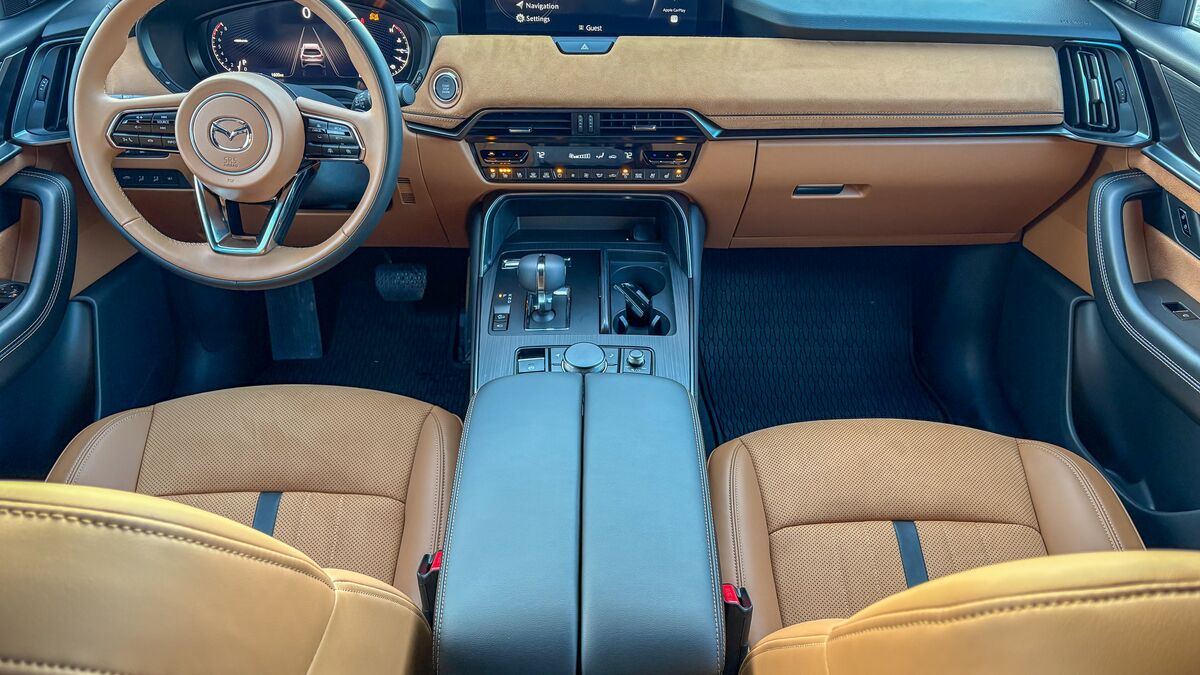
Cars are no longer just transportation. Today, they’re also devices, every bit as much a part of your day as your phone or computer.
An easy-to-understand infotainment system plays a huge role in whether you enjoy a new car. When J.D. Power researchers survey car buyers on the complaints they have in their first 90 days of ownership, confusing or unreliable infotainment systems are the top complaint year after year.
The Mazda CX-70 is a mainstream 2-row SUV known for its exceptional cargo space (it’s essentially a 3-row CX-90 with more cargo space instead of a third row) and driving manners that rival those of some luxury cars, thanks to an inline-6-cylinder engine.
Its infotainment system has much the same set of features as most of its rivals, but Mazda takes a unique approach to letting you access them.
Here’s everything you need to know:
It Offers Wireless Phone Integration at Any Price
Some automakers offer different infotainment screens across trim levels, so you have to step up to a more expensive model to get the best one. Mazda uses the same full-color center display no matter which trim you buy.
Every trim level also gets wireless Apple CarPlay and Android Auto — systems that mirror your phone’s screen on the car’s touchscreen so you can interface with commonly used apps without touching your phone.
It’s Sometimes a Touchscreen and Sometimes Not
Perhaps the strangest quirk of Mazda’s approach is that you operate the screen with a puck-shaped controller on the center console unless you turn on CarPlay or Auto. Once you connect a phone, it also operates as a touchscreen.
Our editors drive hundreds of cars a year and rarely have a strong preference between the two. You get used to how your car works fairly quickly, so either approach can be effective. But we expect the puck controller to go away eventually — Mazda’s newest design, the latest CX-5, is touchscreen-only.
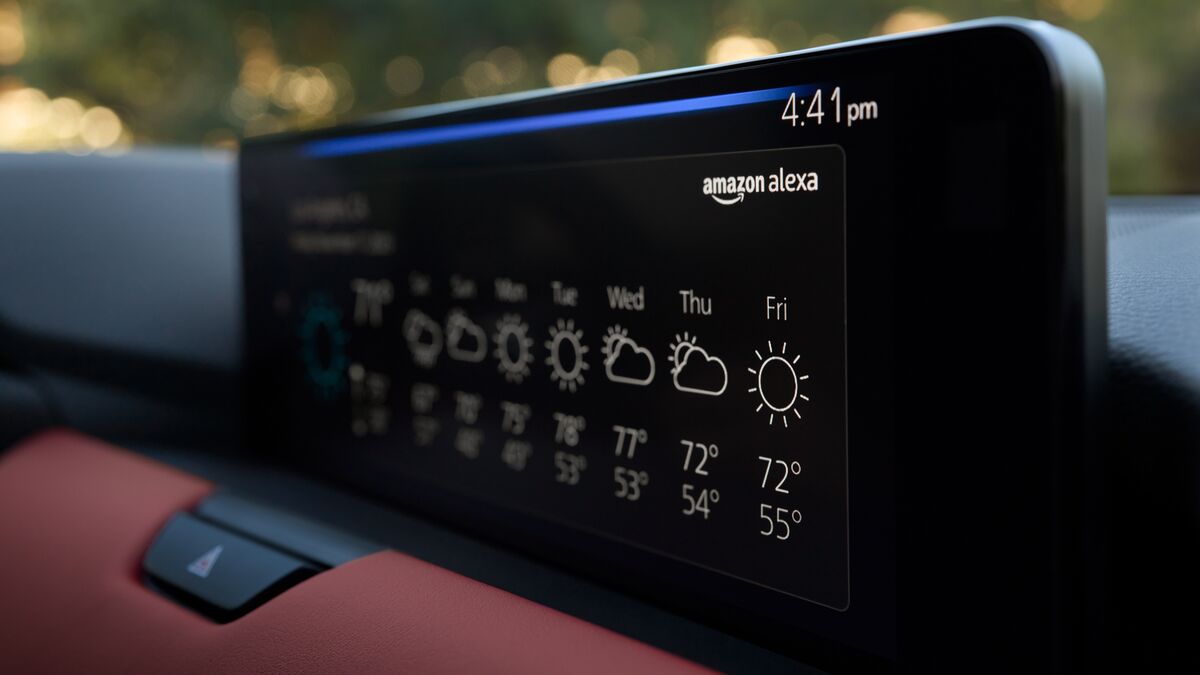
Alexa is Built In If You Prefer Voice Commands
You can reach most functions without either the puck controller or touchscreen menus. Amazon’s Alexa voice assistant is built in, and lets you control navigation, climate settings, music, and more with voice commands.
The Screen Is Mounted High for Safety
The CX-70 uses a 12.3-inch screen — the most common size in its competitive set, though some rivals have bigger screens. Many automakers mount the central screen together with the driver’s instrument screen as if they were one big, curved surface. But Mazda places its screen higher, almost in your natural field of vision as you drive.
We find this can be a safety feature — looking at the screen to see the next turn doesn’t mean looking away from the road. But we have heard drivers complain that it’s more distracting, since it means a mild light is always in your field of view at night. You’ll have to test-drive it to decide for yourself whether that’s a pro or a con.
Different Trim Levels Get Different Sound Systems
The base model 3.3 Turbo Preferred edition gets an 8-speaker audio system. All other versions get a 12-speaker Centerpoint system from Bose.
It Includes Three Months of SiriusXM
Every new Mazda comes with a 3-month SiriusXM satellite radio subscription, though there’s a monthly fee to maintain it after that.
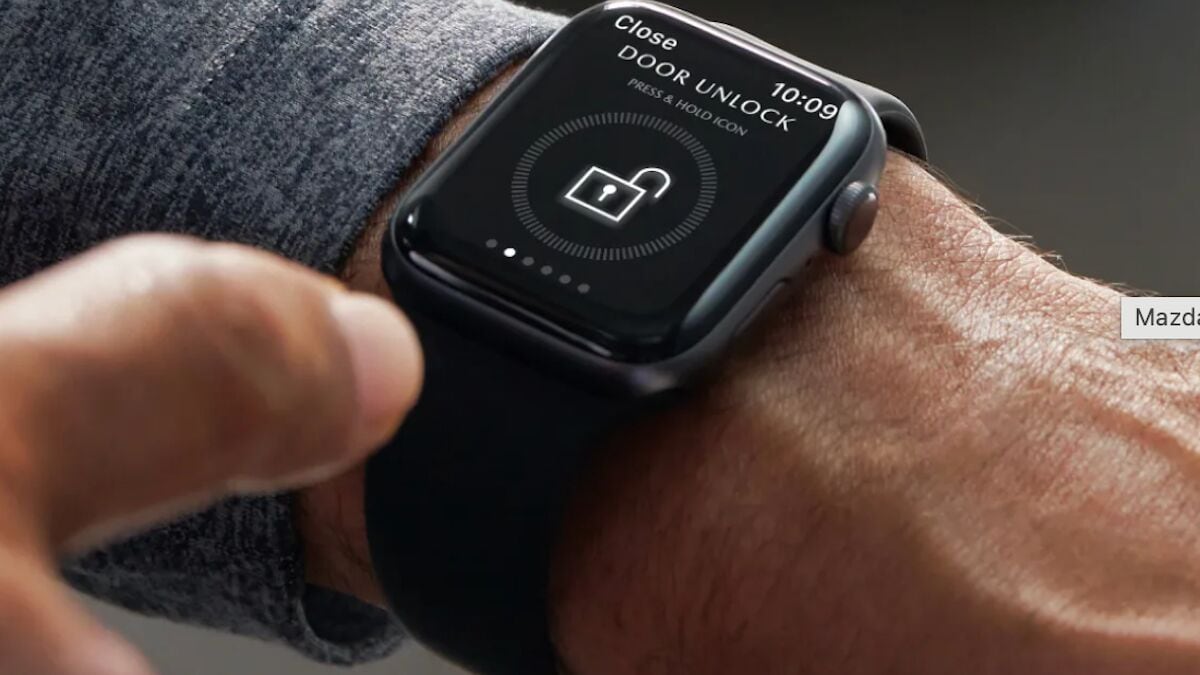
It Works with a Phone App
Mazda’s MyMazda app lets you start the car remotely and get vehicle status reports on a phone or smartwatch. It’s free for the first year, with a subscription fee afterward.