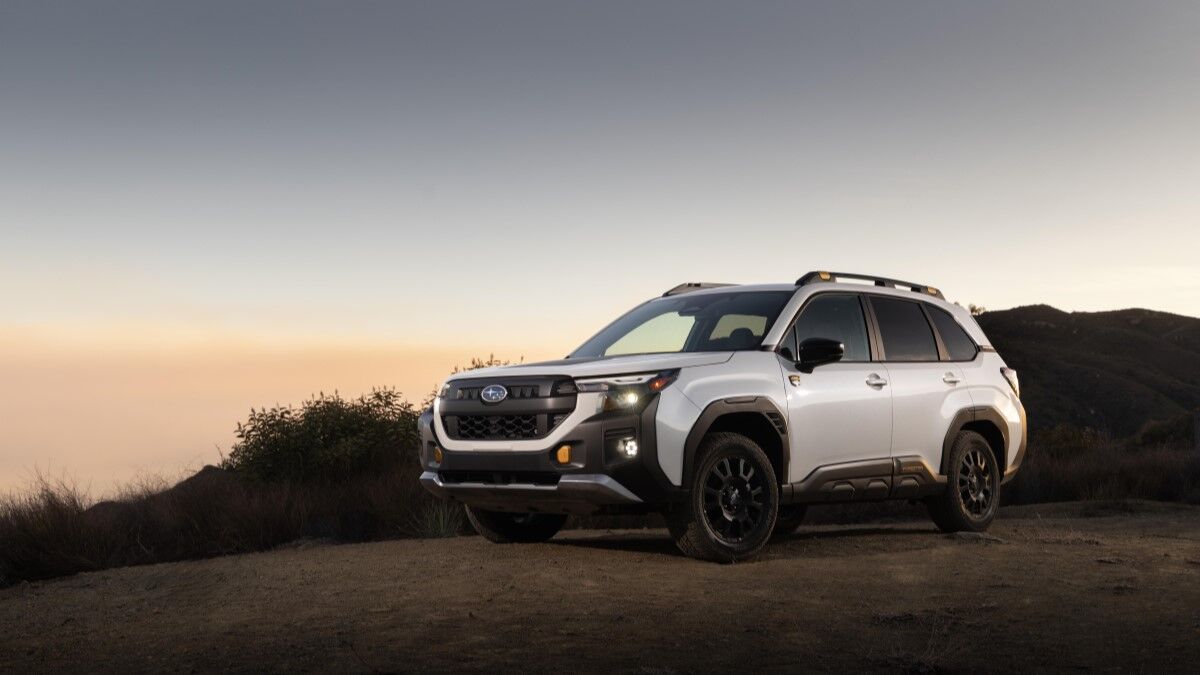

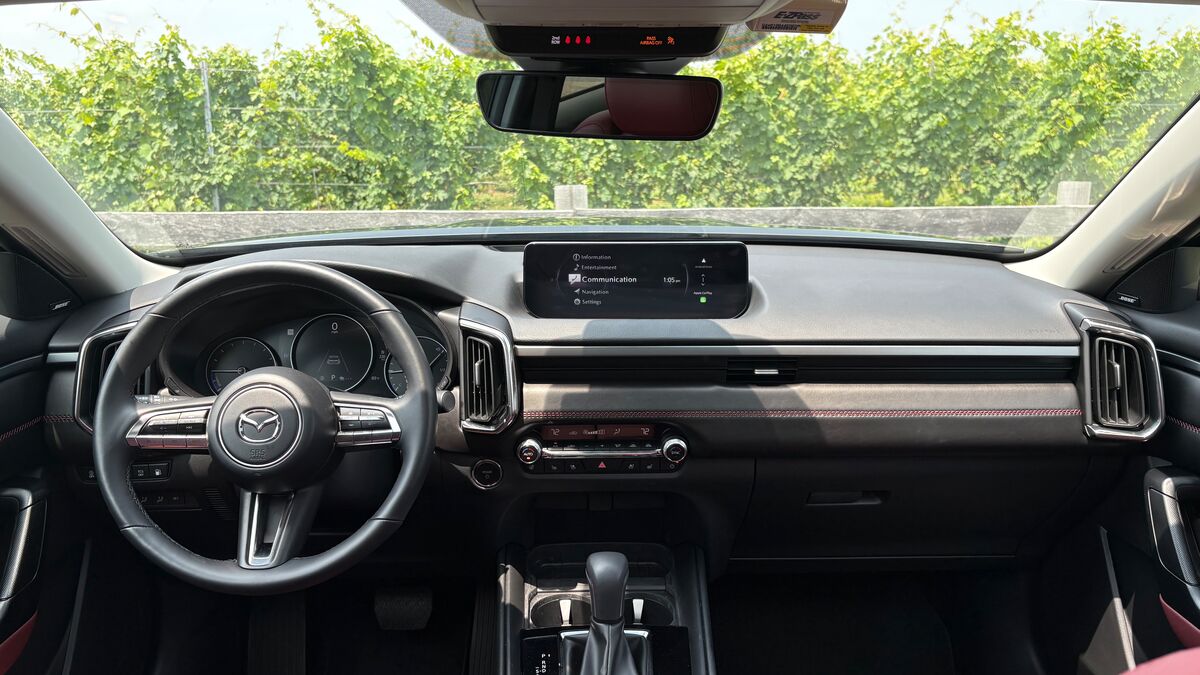
Both practical and rugged, the Mazda CX-50 has the driving manners one expects from a Mazda along with plenty of pleasant surprises. The interior is upscale, showing off quality craftsmanship in both design and technical detail. This compact SUV comes in several varieties, including gas and hybrid options, and a turbo engine trim. Its unique infotainment system is one of the CX-50’s most notable attractions.
Here’s everything you need to know.
Just Ask Alexa
Alexa is built into the CX-50. If you prefer voice commands, you can ask Alexa to change the temperature, get directions, or play your favorite songs. Using Alexa allows you to keep your hands and focus on the wheel.
MyMazda App
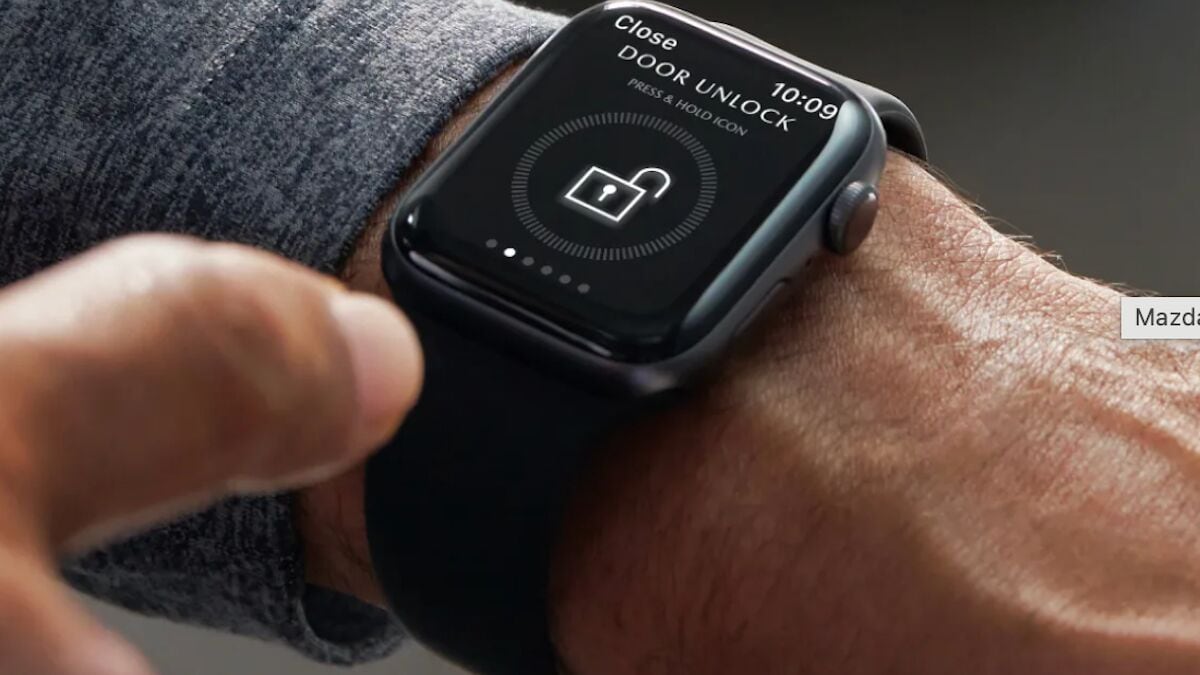
CX-50 drivers get one year of complimentary Mazda Connected Services. The MyMazda App comes in especially handy, as it can locate your CX-50, start the engine, lock, or unlock the doors remotely.
Sirius Entertainment
Drivers get a 3-month trial subscription for SiriusXM. This is available both in the CX-50 and on the SiriusXM app, which you can listen to anywhere. SiriusXM has entertainment for everyone, including ad-free music, talk, sports, comedy, news, podcasts, and more.
Premium Audio
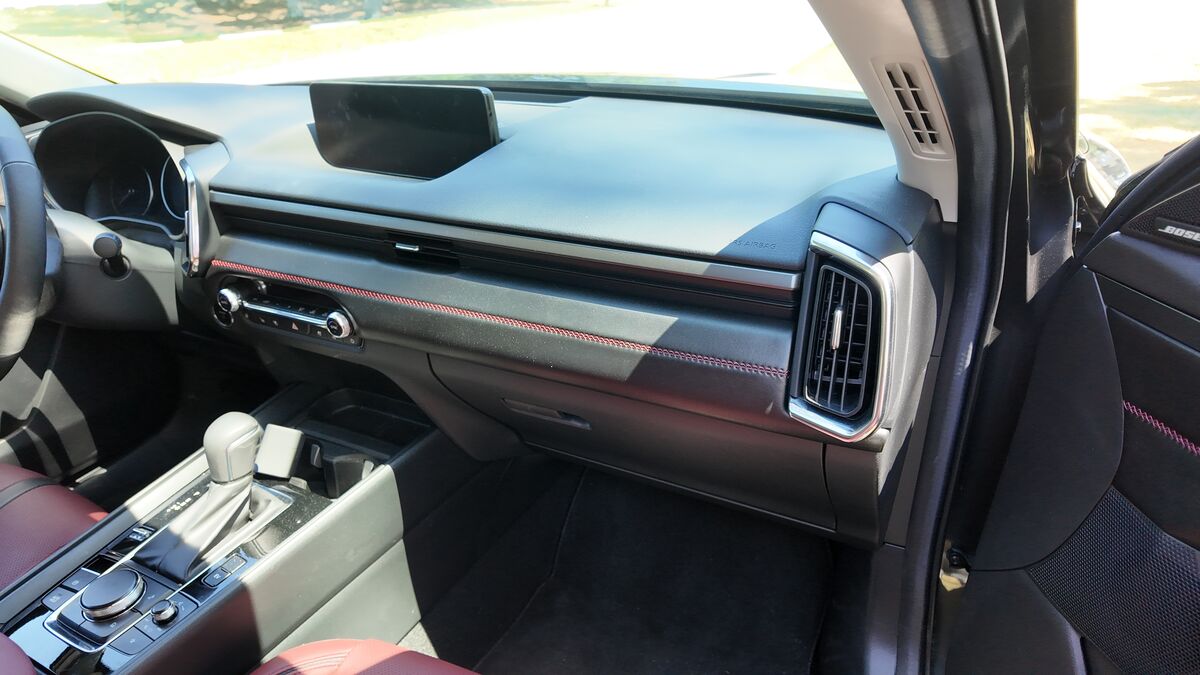
Lower CX-50 trims come with an 8-speaker audio system. The 2.5 S Premium trim and above enjoy Bose 12-speaker surround sound with Centerpoint and AudioPilot.
Tech on Display
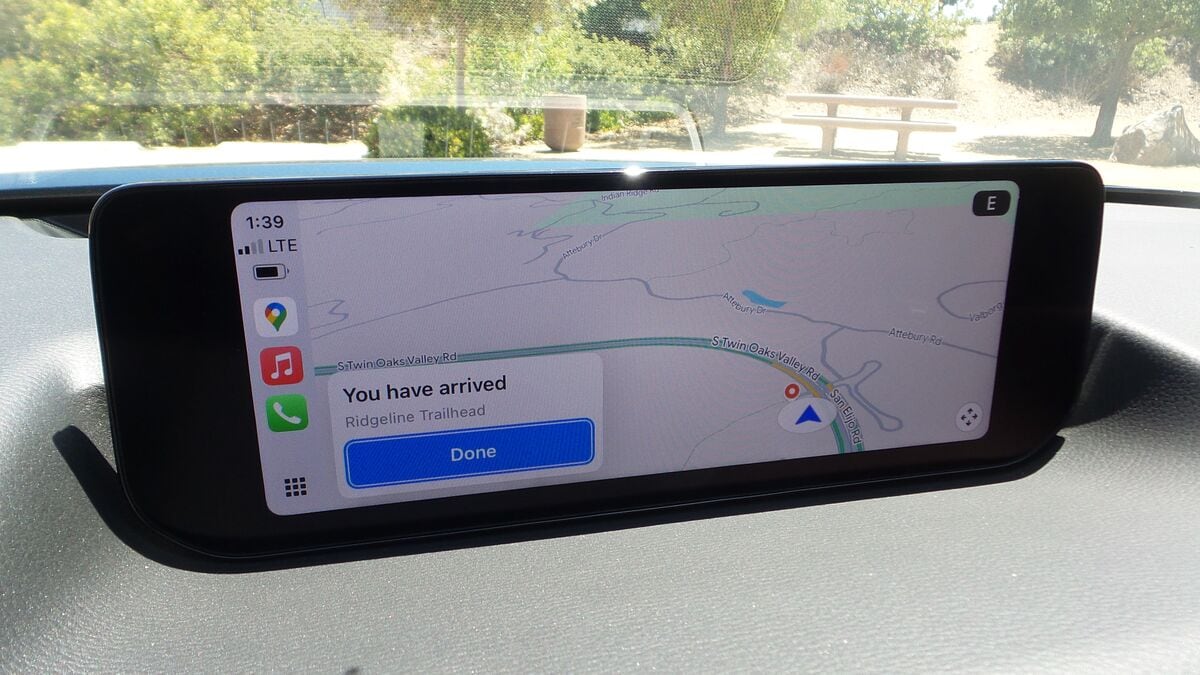
Every CX-50 trim features a 10.25-inch full-color display and wireless Apple CarPlay and Android Auto can be integrated.
From Tactile to Touchscreen
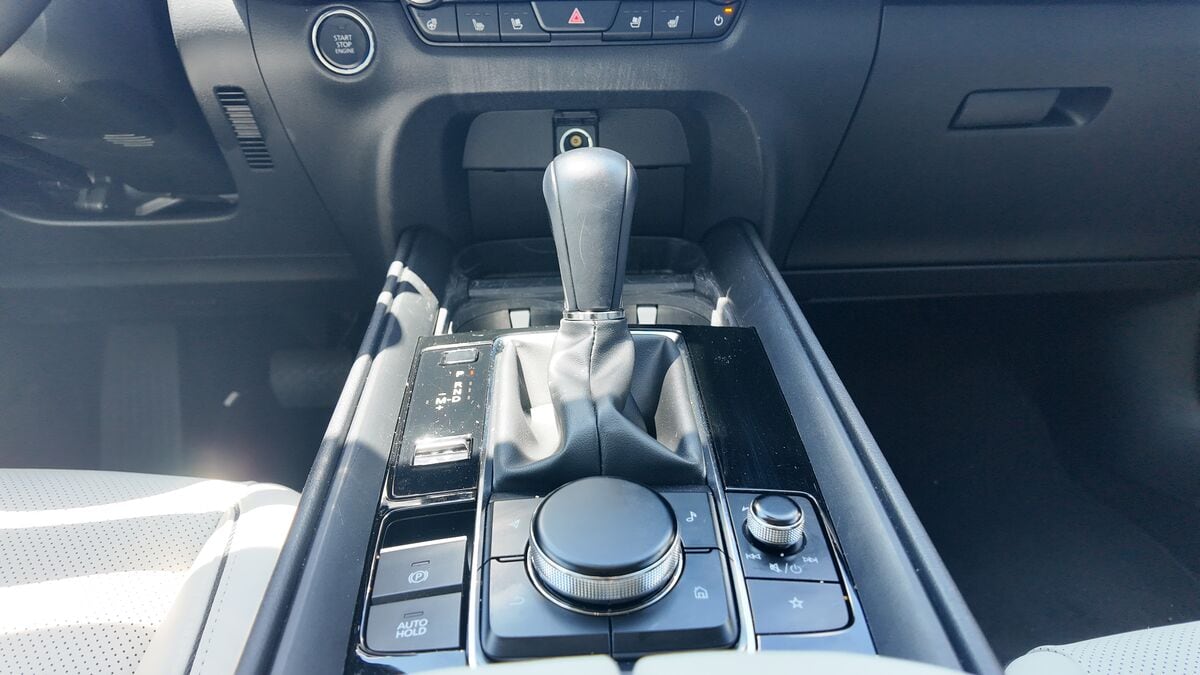
The cool thing about Mazda’s approach to integration is that when CarPlay or Android Auto are connected, the screen acts as a touchscreen. Otherwise, the dial on the center console navigates the system.