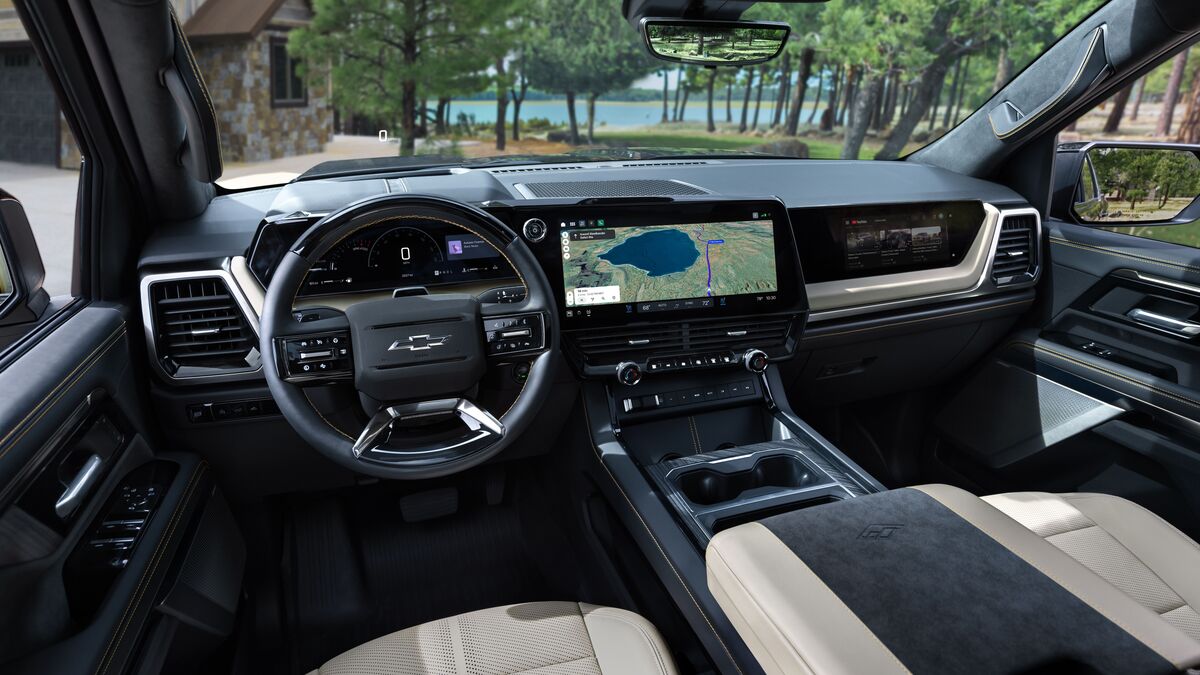

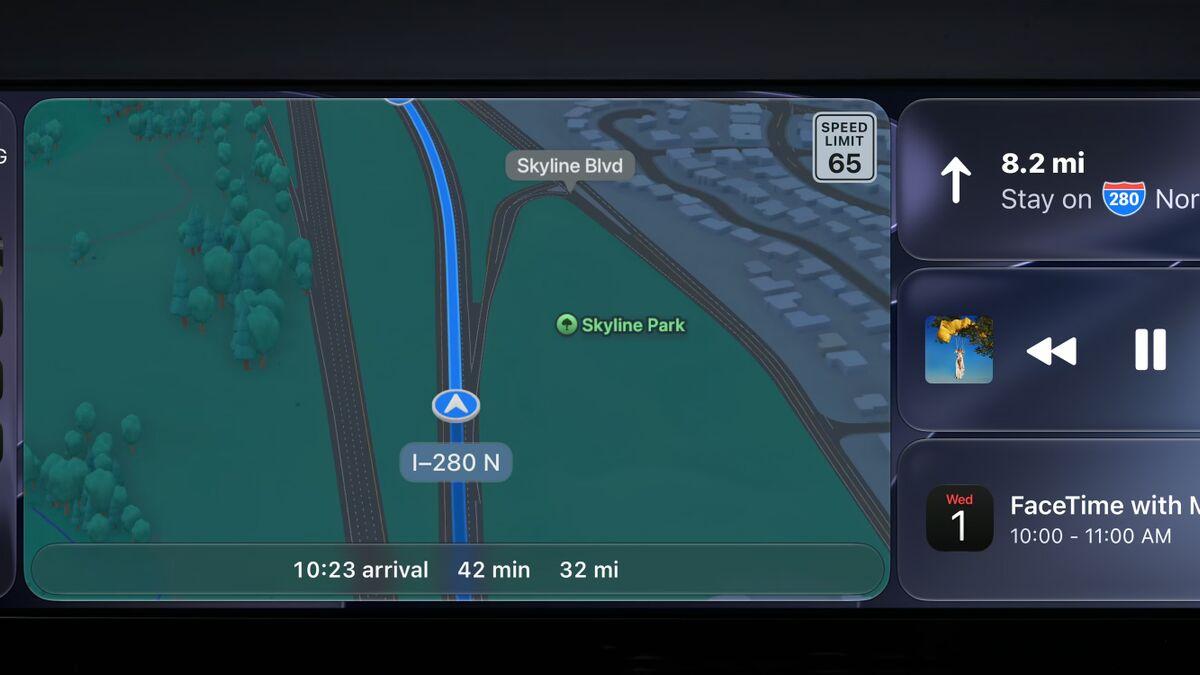
It’s September, which means the tech world has been focused on Apple’s newest product releases. The new, foldable iPhone Duo stole the show, but Apple also announced new features for CarPlay, its phone-mirroring infotainment app, for iOS 27. Here’s a snapshot of what’s new.
Apple’s voice assistant, Siri, has never been the most helpful tool of its kind, but new AI features should improve that situation. Powered by the Google Gemini model, the new and improved Siri supports deeper, more complex requests that take context into account. Users can ask things like, “Play that song I listened to on repeat last week,” and Siri can answer. The updated system can also do things like track parking meter times and return basic information from internet searches.
Related: Apple CarPlay — Do You Need It?
Another improvement comes in the form of a scrubbing system for the Apple Music app and other media. Previously, users could not move forward or backward in a song or podcast, letting them skip ads and other unwanted audio. There’s also a new mini player widget that lets users play, pause, and skip audio without switching between the “Now Playing” screen and lists of songs.
Apple also added a new video player, even across wireless CarPlay connections. The feature is currently limited to “select apps,” and it won’t work on older infotainment screens. The vehicle must also be parked, but many people find in-dash video a great way to pass the time at an electric vehicle (EV) charging station or while waiting in the school pickup line.
The last significant update is cosmetic, but it does give users more customization options. There are new background colors, and while they’re all based on the same basic pattern, the system changes appearance between light and dark viewing modes.
Finally, a new CarPlay Simulator lets developers run the interface on a computer, with deeper diagnostic tools and coding options.