

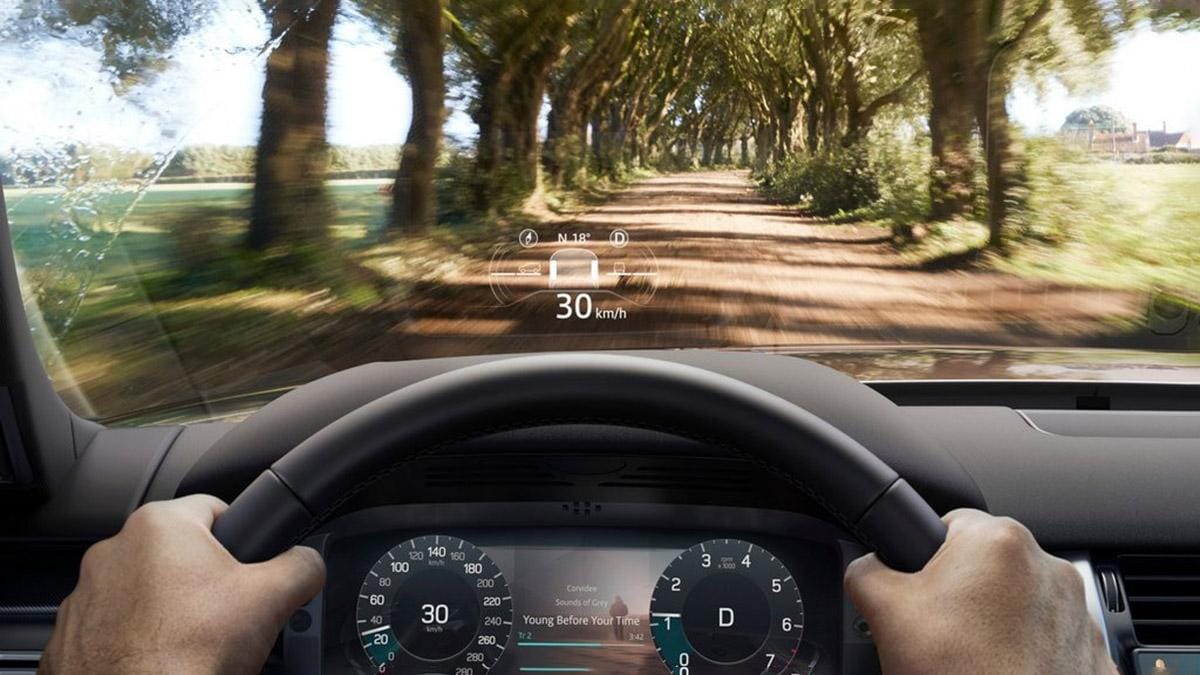
Driving relies on more than hearing. Modern vehicles increasingly use visual displays, tactile feedback, and advanced driver assistance technology that can help deaf and hard-of-hearing drivers stay aware of their surroundings. When shopping for a vehicle, focus on features that communicate important information through sight or touch rather than sound alone.
Prioritize Visual Driver-Assistance Alerts
Many vehicles use advanced driver assistance systems (ADAS) to provide important safety alerts through visual displays rather than relying solely on audible warnings. Depending on the vehicle, these alerts may appear as dashboard icons, illuminated mirror indicators, head-up display (HUD) notifications, or messages on the center touchscreen. For deaf and hard-of-hearing drivers, these visual cues can make it easier to stay aware of changing traffic conditions and potential hazards.
Here are some key features to look for:
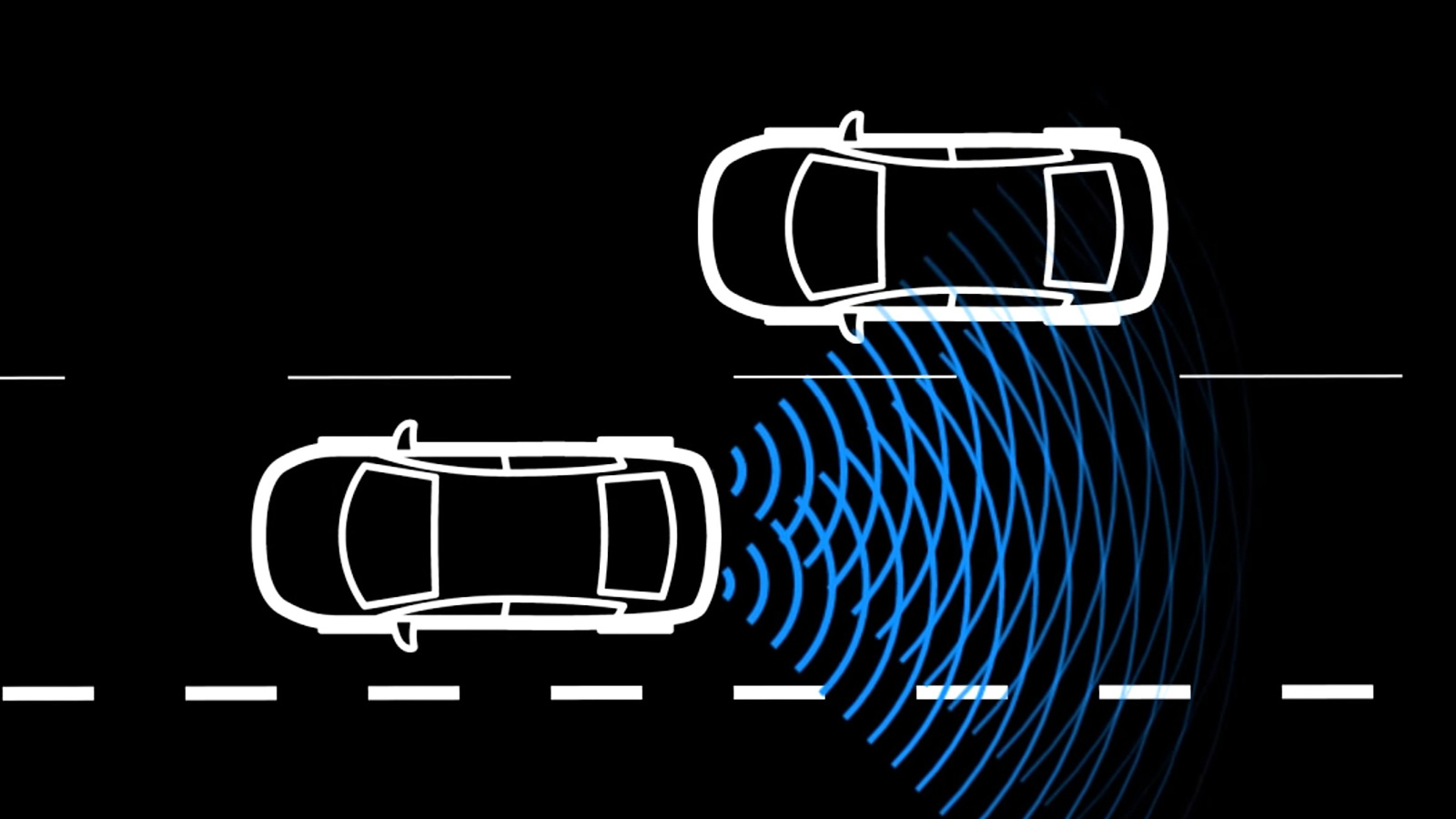
Blind Spot Monitoring
Blind spot monitoring uses visual indicators in the side mirrors to alert drivers when another vehicle is traveling in an area that may be difficult to see.
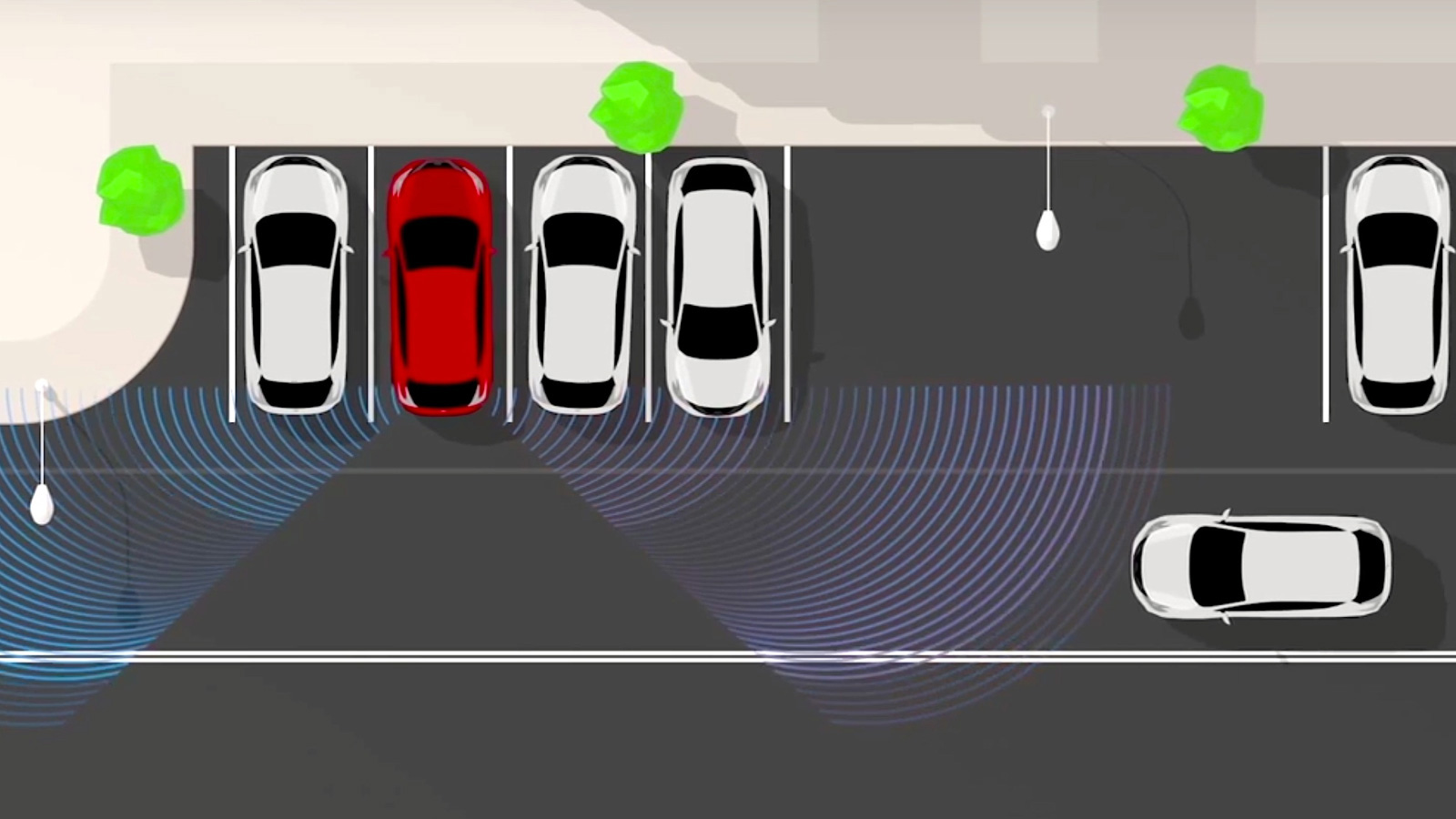
Rear Cross Traffic Alert
Rear cross traffic alert can help detect vehicles approaching from either side when you’re backing out of a parking space or driveway.
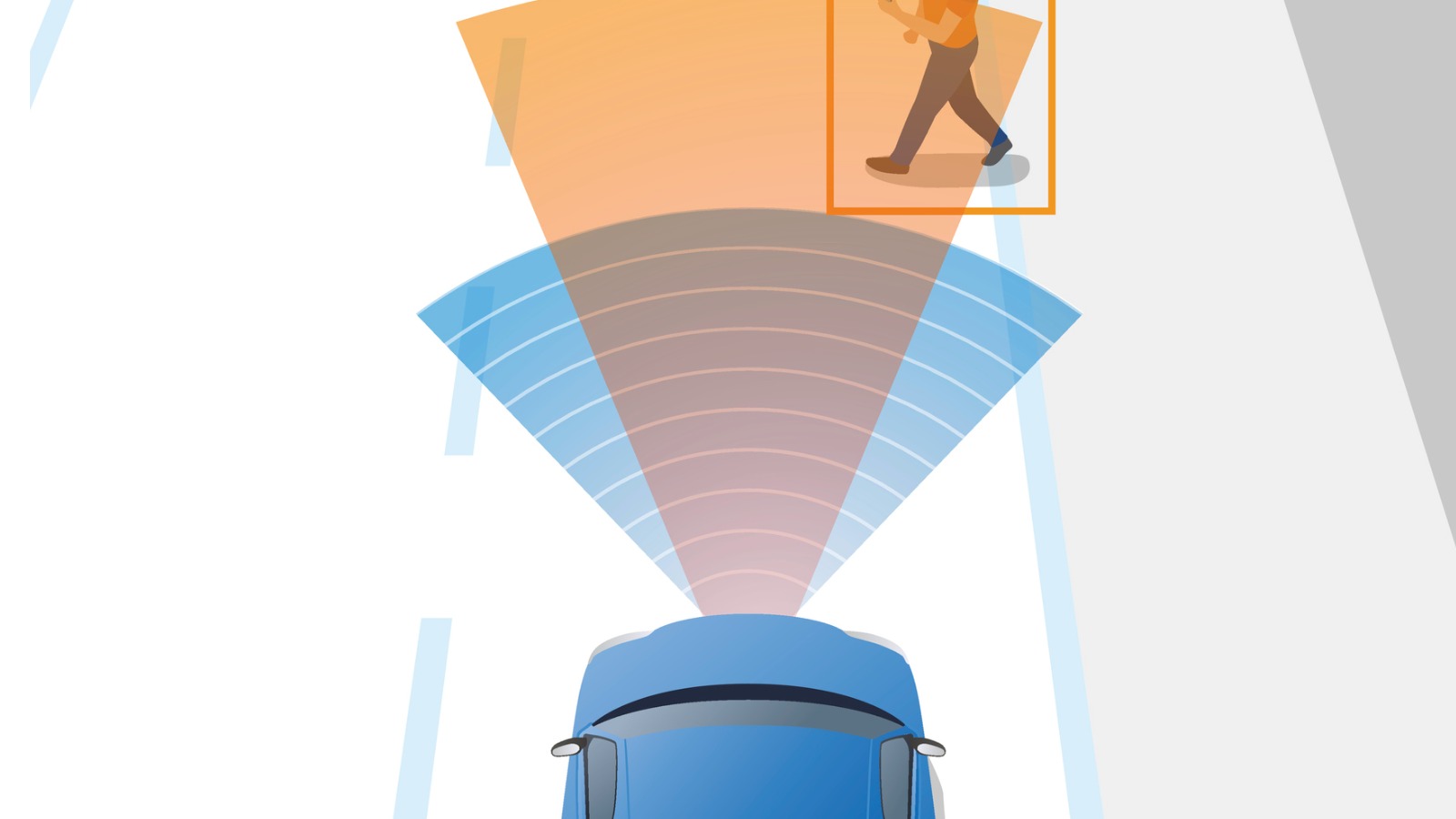
Forward Collision Warning
This system can warn drivers when it detects a potential collision with a vehicle or obstacle ahead.
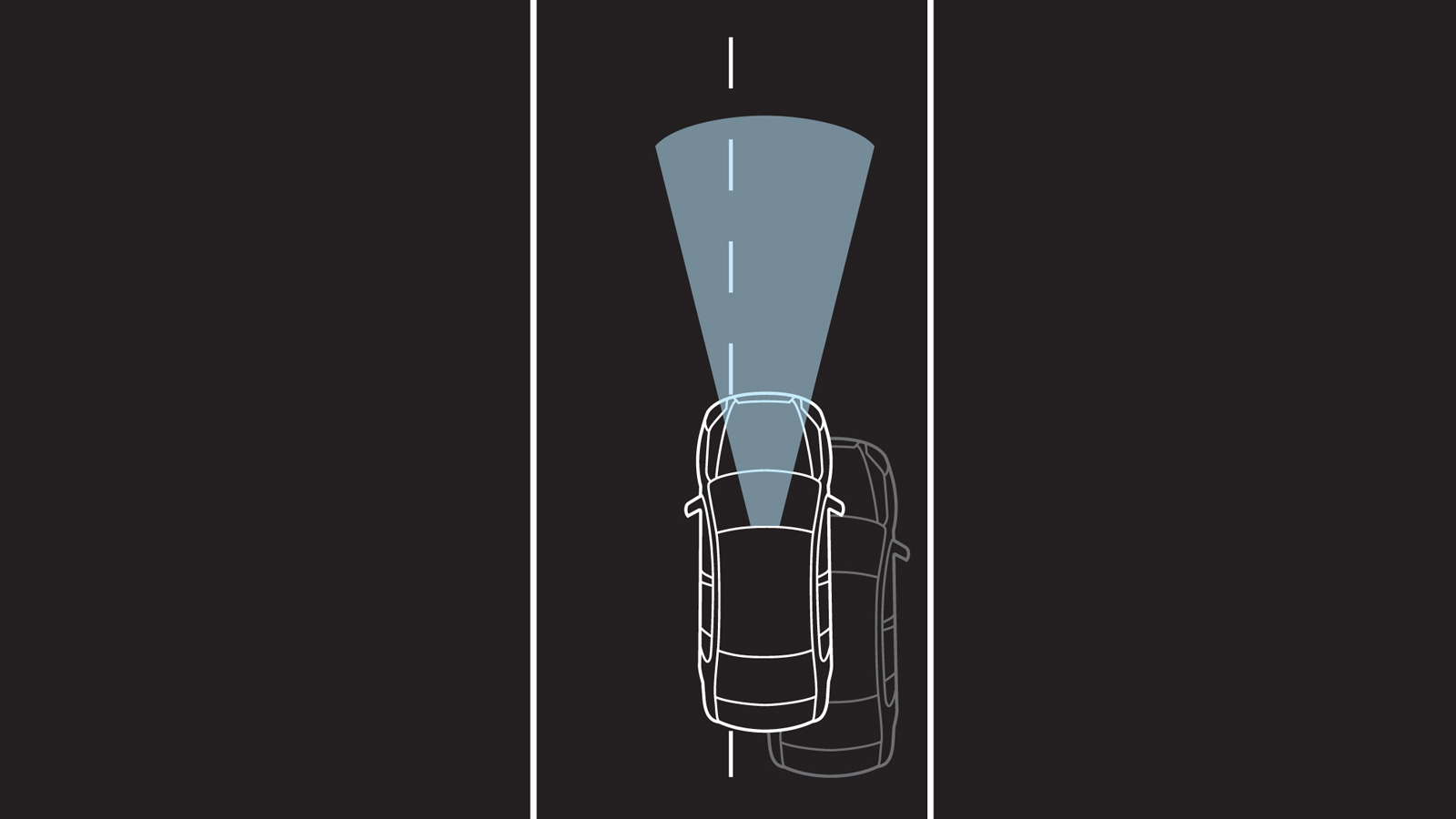
Lane Departure Warning
Lane departure warning systems notify drivers when the vehicle begins drifting outside lane markings without signaling.

Traffic Sign Recognition
Traffic sign recognition systems identify road signs and display key information directly on the dashboard.
Look for Haptic Feedback
Some vehicles supplement visual warnings with tactile alerts that can be felt rather than heard.
Helpful Features
- Vibrating steering-wheel alerts
- Driver-seat vibration warnings
- Haptic lane-keeping alerts
- Parking-assistance vibration feedback
Use Camera Systems to Expand Visibility
Camera technology can help drivers see areas around the vehicle that may be difficult to view through mirrors or windows alone. Features such as rearview cameras, 360-degree camera systems, and digital rearview mirrors can improve awareness when parking, reversing, or navigating tight spaces.
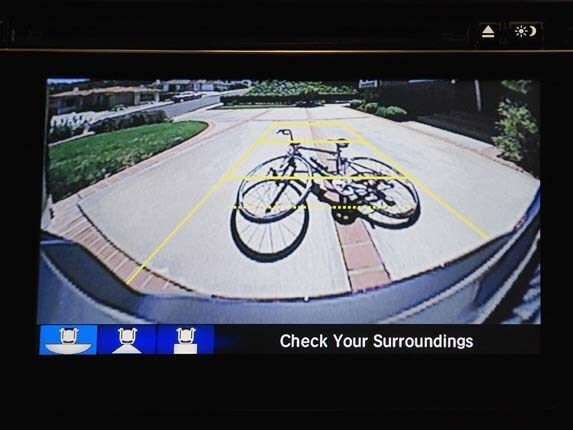
Rearview Cameras
Rearview cameras display a live video view of the area behind the vehicle, helping drivers see pedestrians, objects, or other vehicles when backing up.
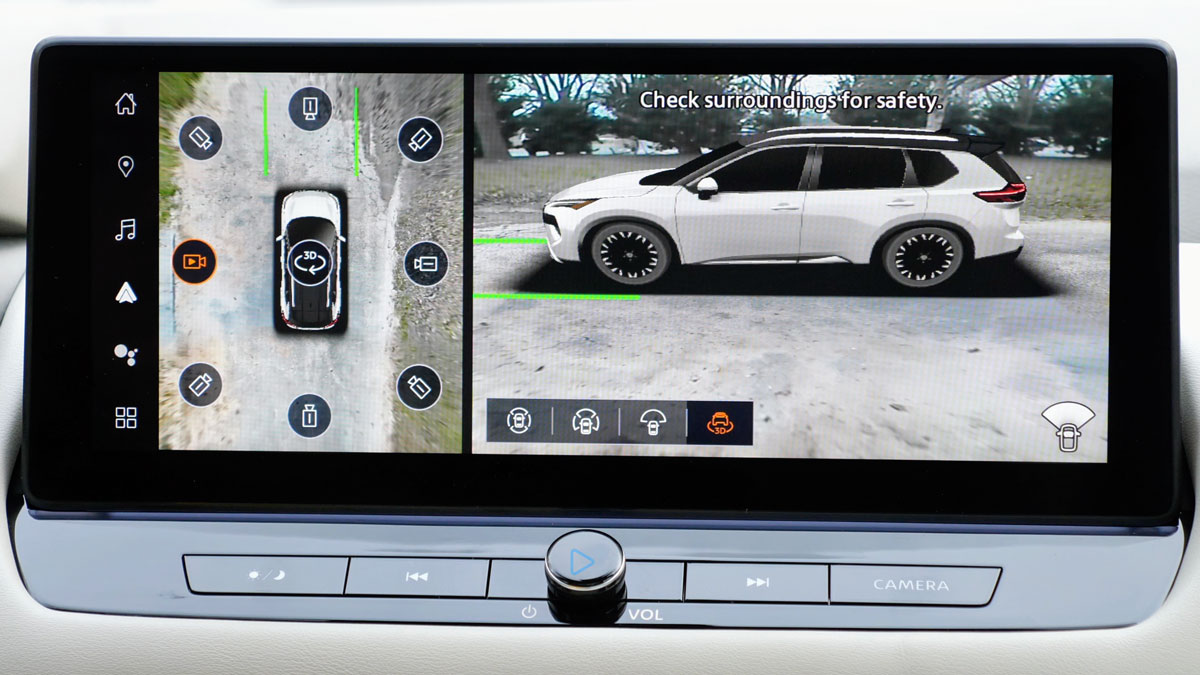
360-Degree Camera System
A 360-degree camera system uses multiple cameras positioned around the vehicle to create a bird’s-eye view of the area surrounding the car. This can help drivers spot obstacles, curbs, pedestrians, or other vehicles that may not be visible through the windows or mirrors alone.
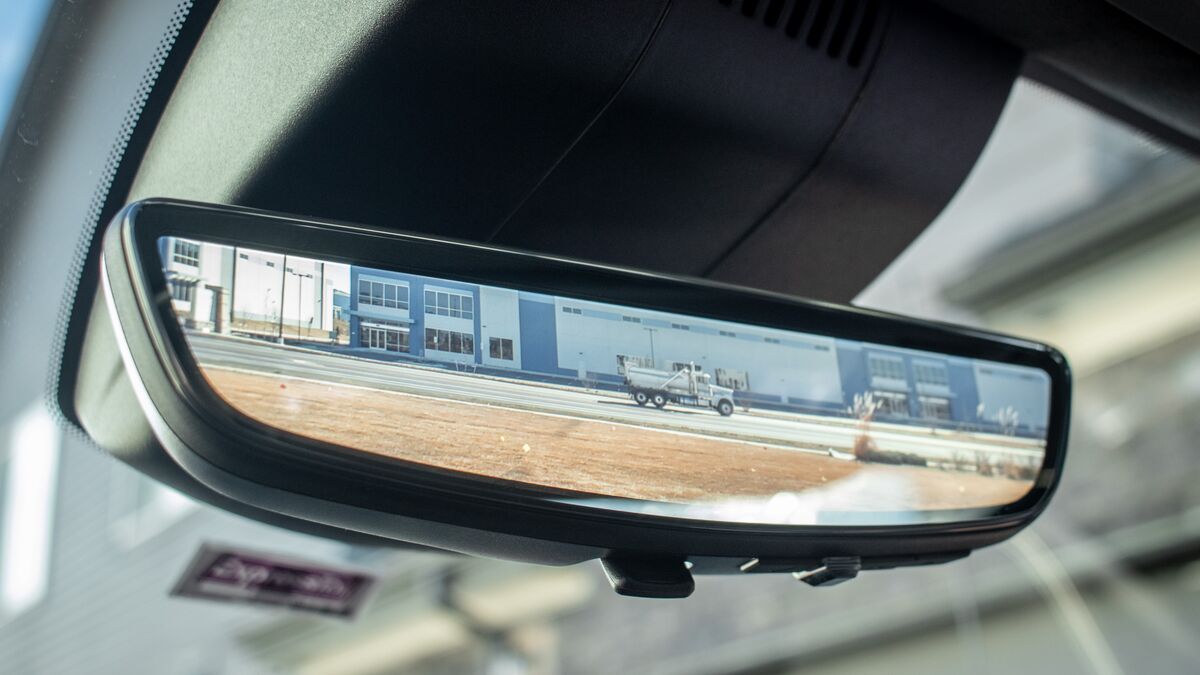
Digital Rearview Mirrors
Digital rearview mirrors use a rear-facing camera to display a live video feed behind the vehicle, providing a wider and often less obstructed view than a traditional mirror. They can be especially useful when passengers, cargo, or headrests block the driver’s rearward visibility.
Consider Head-Up Displays and Digital Instrument Clusters
Head-up displays (HUDs) and customizable digital gauges can place important information directly in the driver's field of view.
Benefits
- Navigation prompts in the line of sight
- Speed information without looking down
- Visual safety alerts
- Customizable warning displays
Make Navigation More Visual
Many drivers prefer navigation systems that emphasize visual guidance rather than spoken directions.
Look For
- Apple CarPlay and Android Auto compatibility
- Large touchscreen displays
- Turn-by-turn visual prompts
- HUD navigation guidance
Emergency-Vehicle Awareness Technology
One challenge for deaf and hard-of-hearing drivers can be detecting sirens and horns. Some automakers and technology companies are developing systems that translate outside sounds into visual or tactile alerts.
Emerging Solutions
- Visual siren notifications
- Dashboard emergency-vehicle alerts
- Steering-wheel vibration warnings
- HUD-based directional indicators
Accessibility Checklist
Questions to ask during a test drive
Bottom Line
The best vehicle for a deaf or hard-of-hearing driver is not necessarily the one with the most driver-assistance features. Instead, it is the vehicle that presents important information in clear visual or tactile ways, making alerts timely, noticeable, and easy to understand without relying on sound.
While technologies such as visual warnings, vibration alerts, blind-spot monitoring, and rear cross-traffic alerts can enhance awareness and convenience, they are designed to assist, not replace, the driver. As the National Highway Traffic Safety Administration (NHTSA) emphasizes, drivers remain responsible for steering, braking, accelerating, monitoring the road, and making safe driving decisions at all times. These features are valuable tools, but attentive driving remains the most important safety system in any vehicle.
Visit our Vehicle Features Information Center to better understand the details of specific car features as you explore options.